


Many professionals say two screens are better than one. And they’re not wrong! A second screen makes everything feel easier. If it’s not set up right, that extra screen could be doing more harm than good.
But the eye strain is real! It builds slowly. It may start with tired eyes. Then it becomes a headache. Next, your focus drifts. You start blinking more. Or less. Either way, your eyes feel off. But here’s the good news—you can fix it without giving up your screen.
Helpful Tips to Reduce Eye Strain
1.Brightness Isn’t One-Size-Fits-All
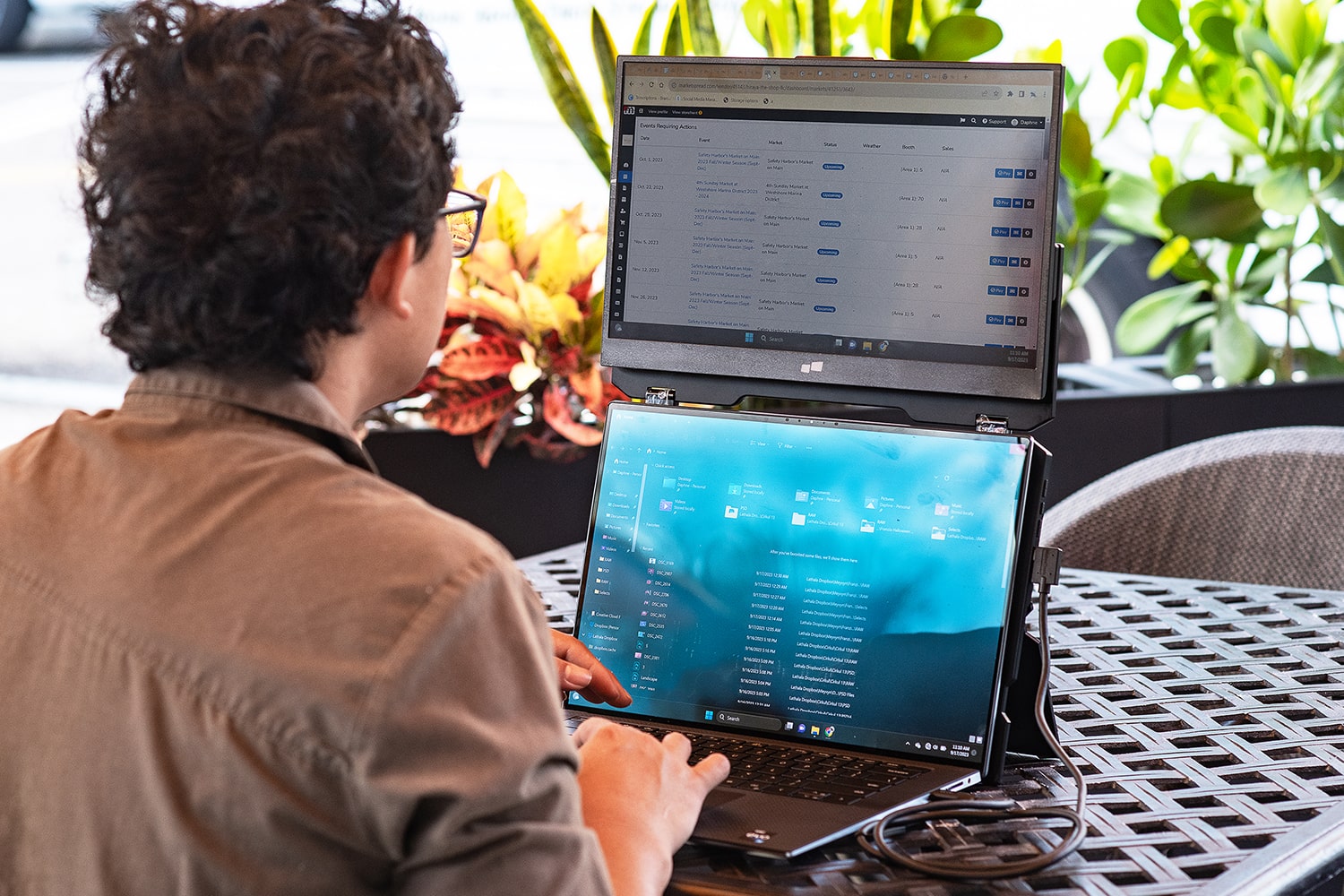
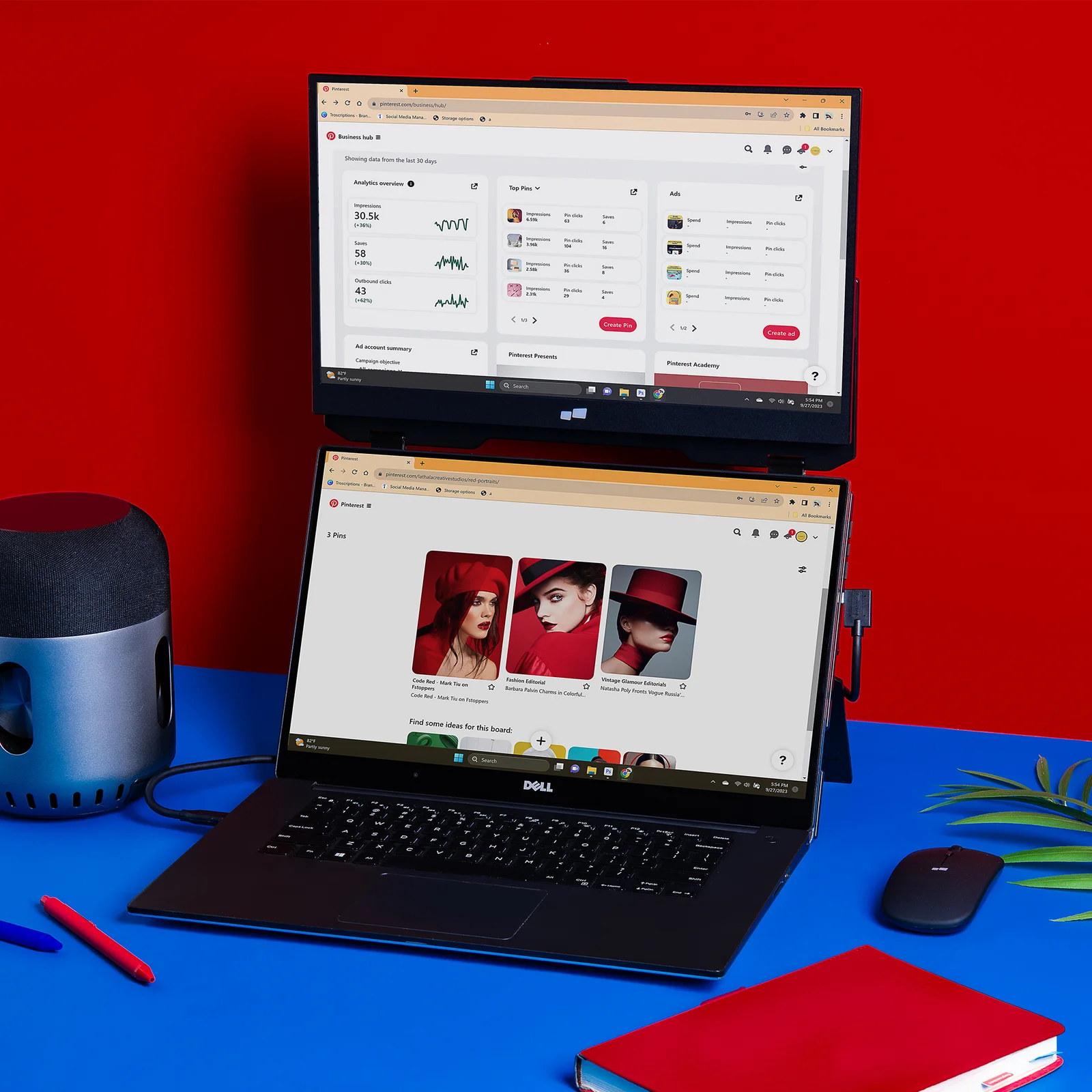
If your screen or a Duex Float extra screen for laptop feels like a spotlight, your eyes are probably working overtime. Besides, if the display is too dim, you’re squinting without even realising it. So, matching the brightness matters the most in your room. That’s the trick.
Try this:
- Keep your screen just a little brighter than your surroundings
- Dim your room lights when it’s dark outside
- Use automatic brightness settings only if they adjust smoothly
- Avoid placing your screen near direct light or windows
2. Blue Light Filters: Not a Trend, a Tool
You’ve heard of blue light. Everyone talks about it. But it’s not just buzz. That cool-toned glare from screens keeps your brain alert. It’s great for deadlines, but it’s bad for your eyes. Blue light isn’t dangerous, but too much can cause serious strain. It is especially late in the day. The colours feel harsh. The whites look too white.
What to do:
- Use your system’s “night mode” after sunset
- Lower your screen’s colour temperature
- Try blue-light-blocking glasses for night work
- Choose screens that offer warm display settings
3. Screen Angles Matter More Than You Think
Ever sat at your desk and realised your neck’s been tilted for an hour? That’s a sign your screen isn’t where it should be. Eye strain doesn’t just come from what you look at. It comes from how you’re looking. If your screen is too high, too low, or off to the side, your eyes shift.
Set it up right:
- Center your screens—don’t twist your neck
- Use a stand or a stack of books to adjust the height
- Keep a 20–24 inch distance from your eyes to the screen
- Tilt your screen back just a little for a better angle
4. Don’t Ignore Glare and Reflection
You might not see it. But your eyes do. Direct glare sneaks onto your screen. It can be through reflections from lamps, windows, and even your phone. This can add stress to your eyes. Usually, people don’t notice it. But suffer because of this.
Try to fix it:
- Avoid placing screens near bright light sources
- Use matte screen protectors or anti-glare filters
- Position your desk away from direct window light
- Wear anti-reflective glasses if needed
5. Blink Like You Mean It
Here’s a strange fact: people blink way less when looking at a screen. Not just a little less—a lot less. That’s a big reason why eyes get dry, itchy, and red after long hours. Blinking keeps your eyes moist. It spreads tears evenly and clears away dust.
How to stay blinking:
- Keep a sticky note that says “Blink” near your screen
- Drink water regularly—it helps more than you think
- Use effective eye drops if your eyes feel dry
- Don’t forget to blink when you’re deep in focus
In The End
Eye strain doesn’t mean you have to give up your second screen. It just means you need to be smarter about using it. So, start by adjusting the brightness. Add a filter. Fix your angle. Blink more. Take breaks. Simple steps, big results.